Learn Music Through Magic

A free-to-start educational game that transforms music note reading into a magical adventure. Identify notes on the staff, cast spells, and defeat enemies!


Ivory Quest

What is Ivory Quest?

Ivory Quest is a free-to-start educational game where you play as a warrior on horseback defending against incoming enemies. To cast spells and defeat them, you must correctly identify the musical notes shown on the staff. It's the most fun way to master sight-reading!

All Ages All Skill Levels MIDI Support 8 Languages Android Coming Soon

How to Play

1

Choose Your Mode

Select Notes or Chord mode, then choose Treble Clef, Bass Clef, or Full Staff

2

Read the Note or Chord

A colored note or chord appears on the musical staff — identify it fast!

3

Cast Your Spell

Press the matching key or chord button to cast your spell!

4

Defeat Enemies

Correct notes banish monsters and earn points. Wrong answers deal damage!

5

Survive & Score

Keep your health up and aim for the highest score!

Screenshots

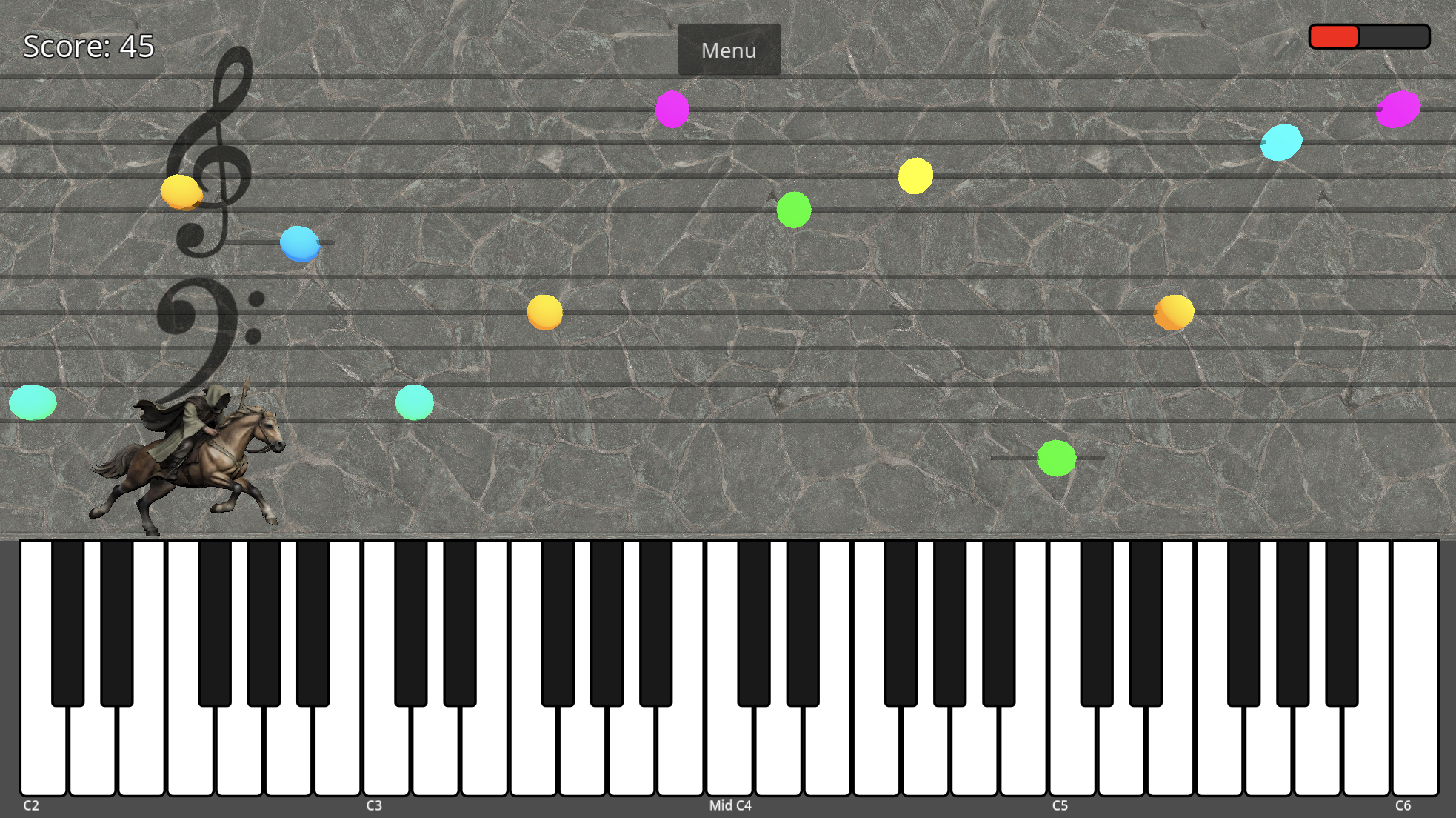
Notes Mode

Full staff gameplay
Full grand staff with treble and bass clefs
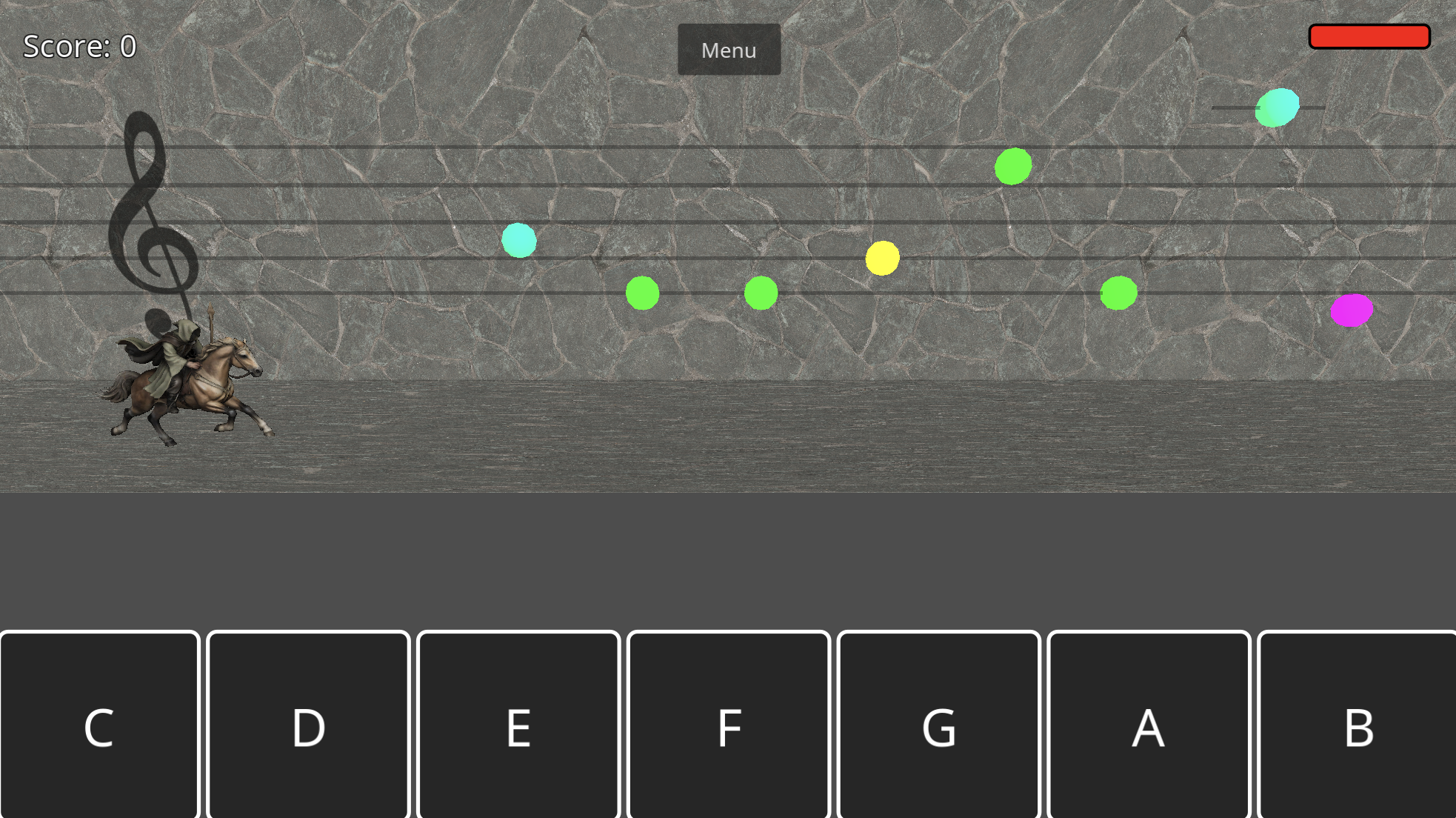
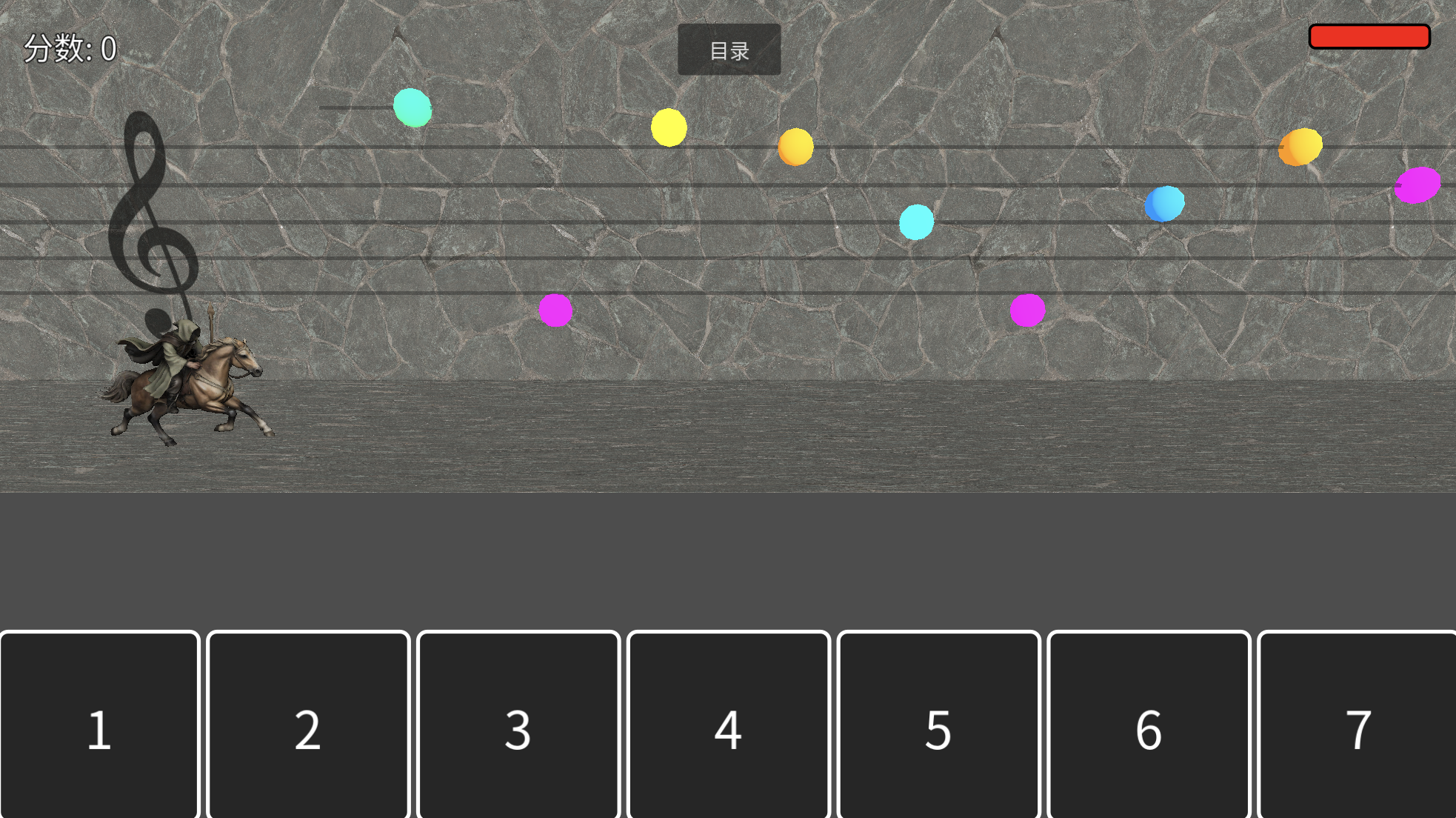
English gameplay
Practice sight-reading and cast spells
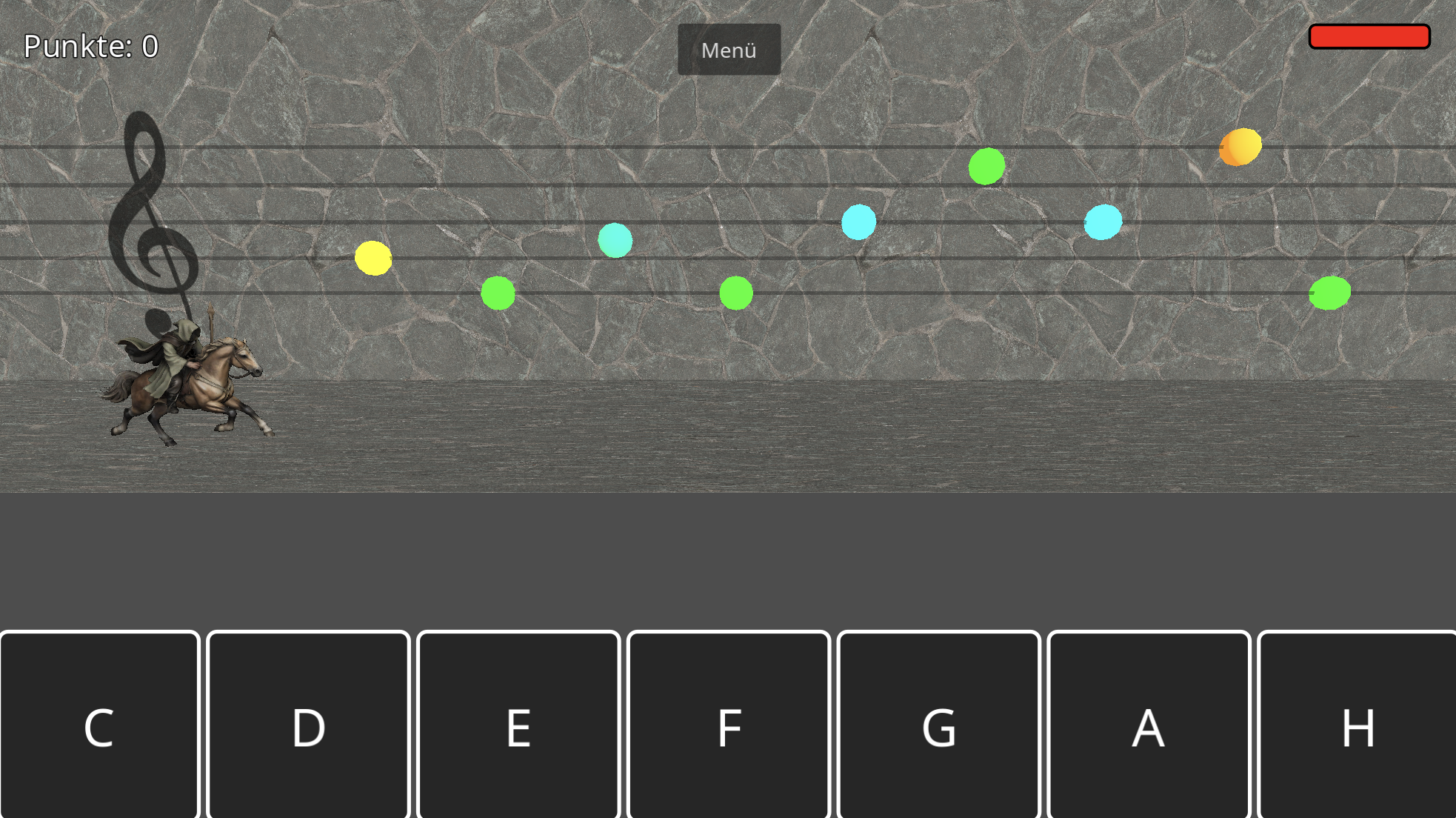
German gameplay
\u00dcbe das Notenlesen und wirke Zauber
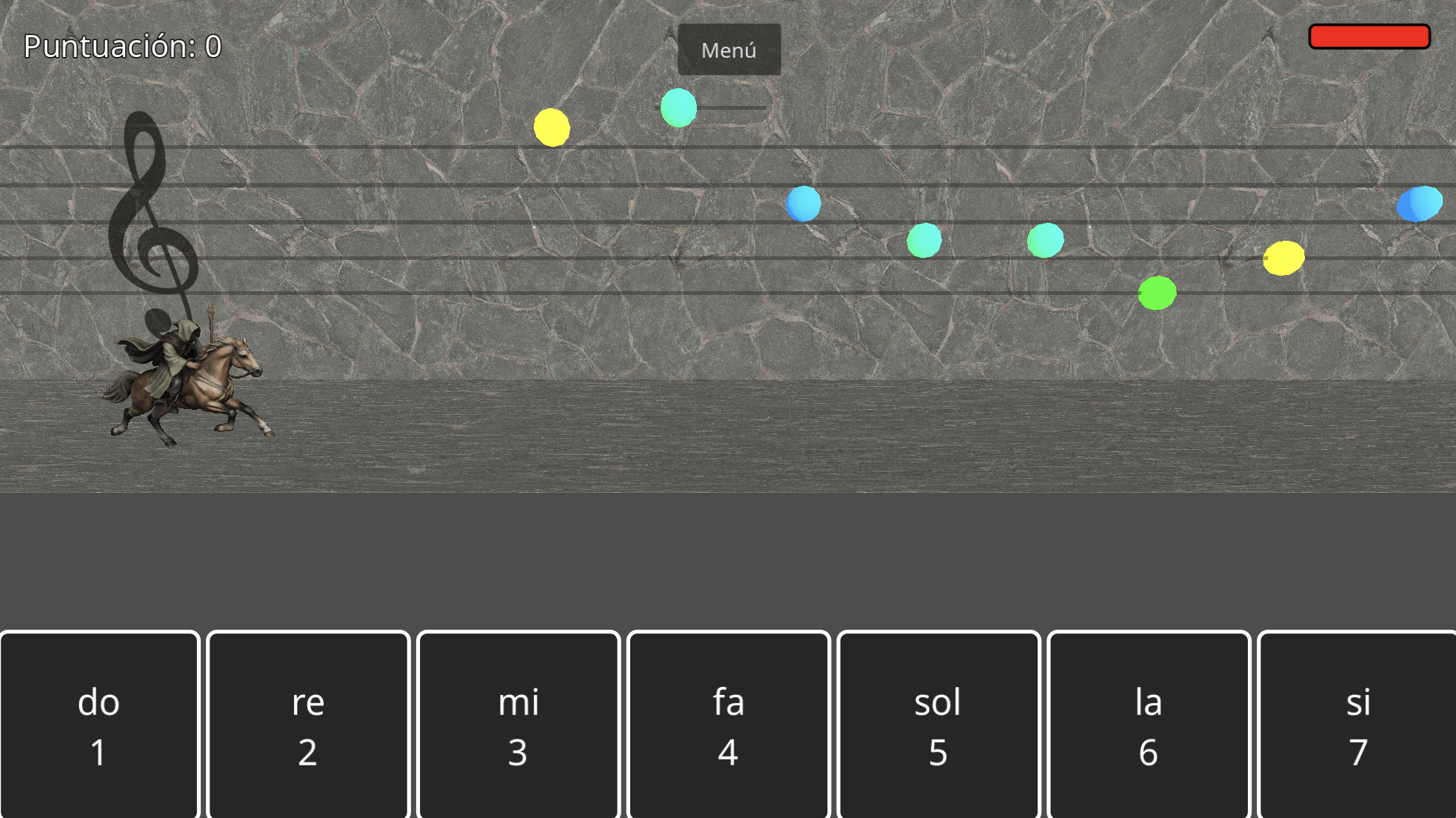
Spanish gameplay
Practica la lectura de notas y lanza hechizos
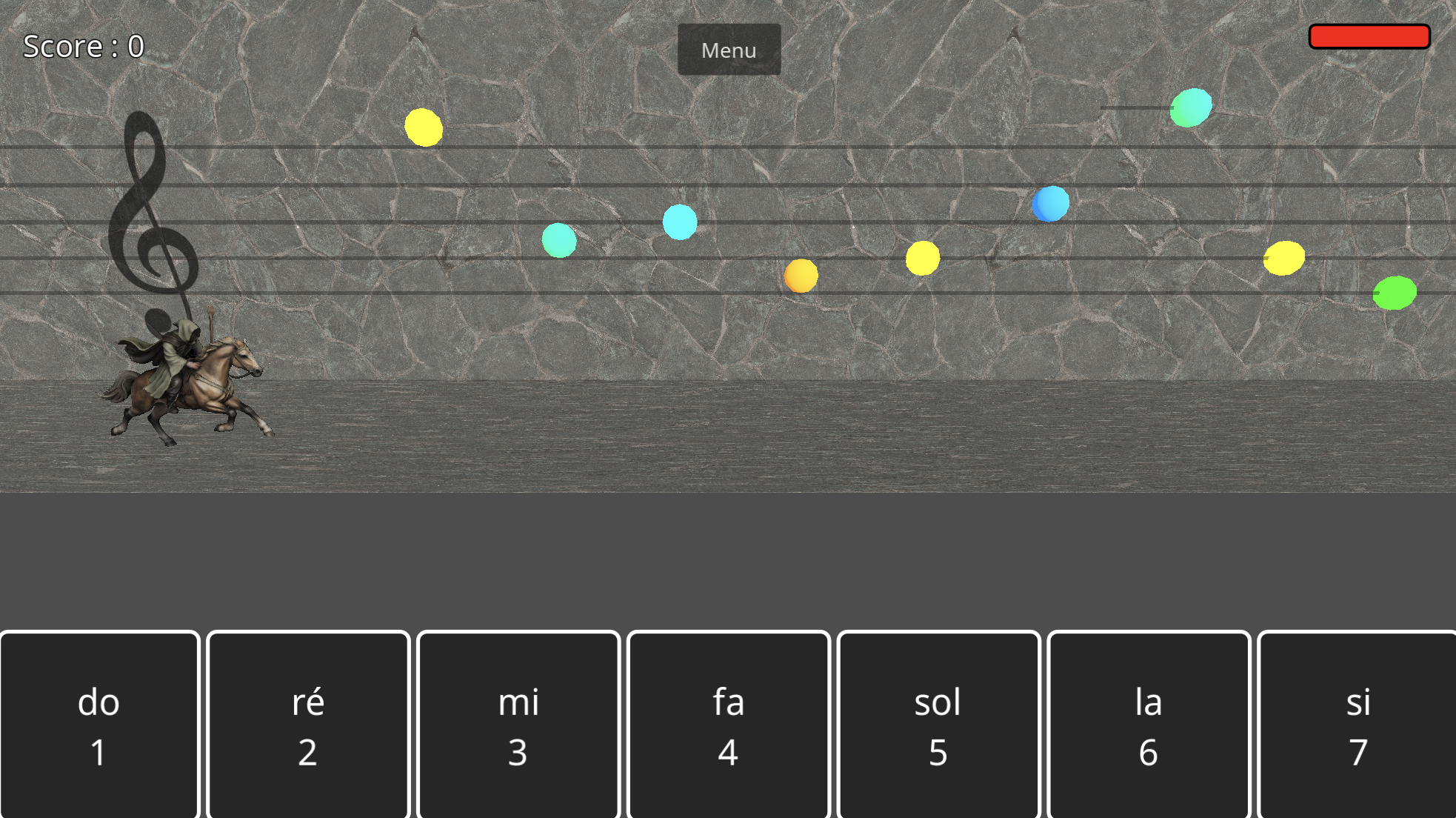
French gameplay
Pratiquez la lecture de partitions et lancez des sorts
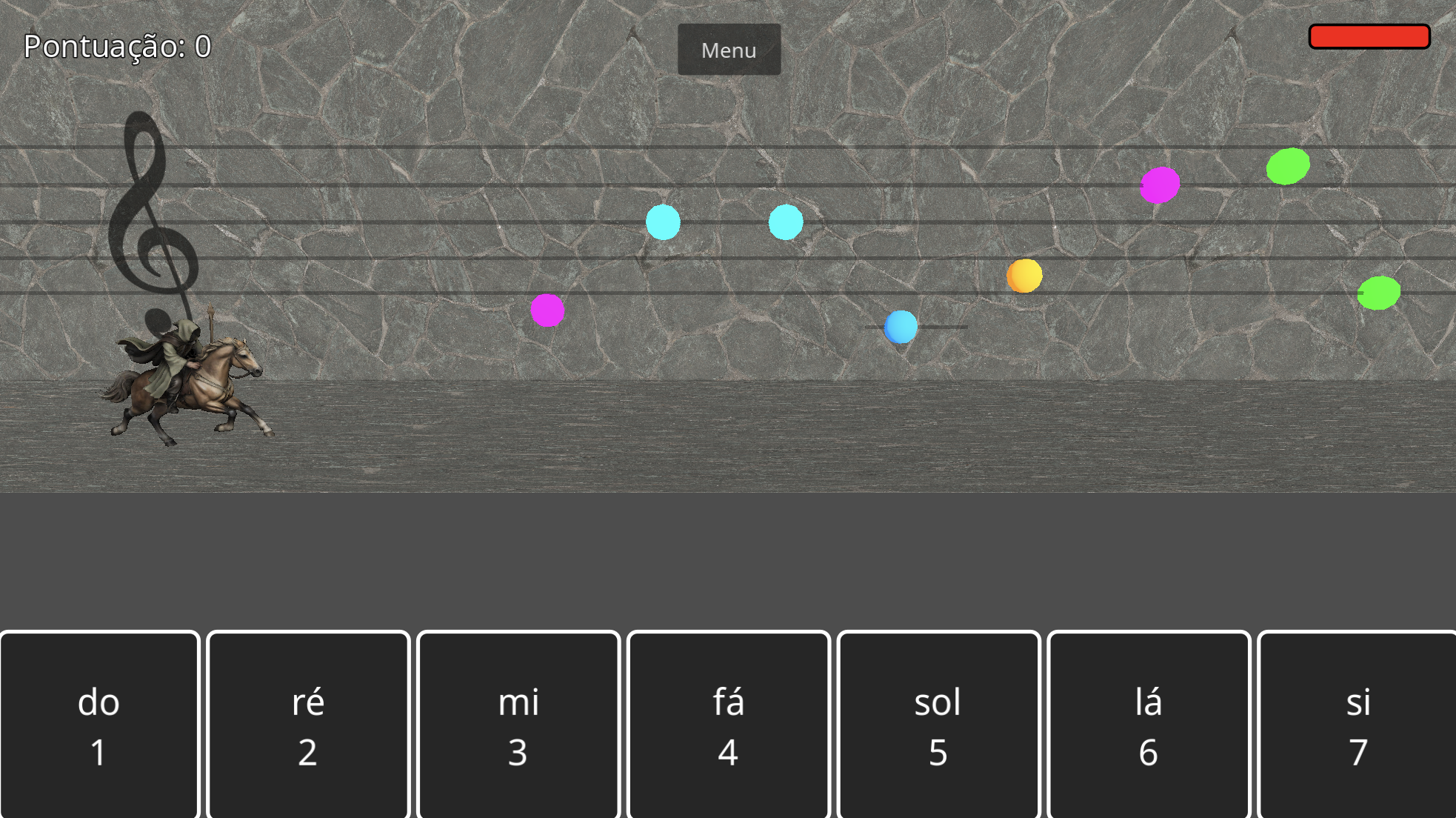
Portuguese gameplay
Pratique leitura de partituras e lance feiti\u00e7os
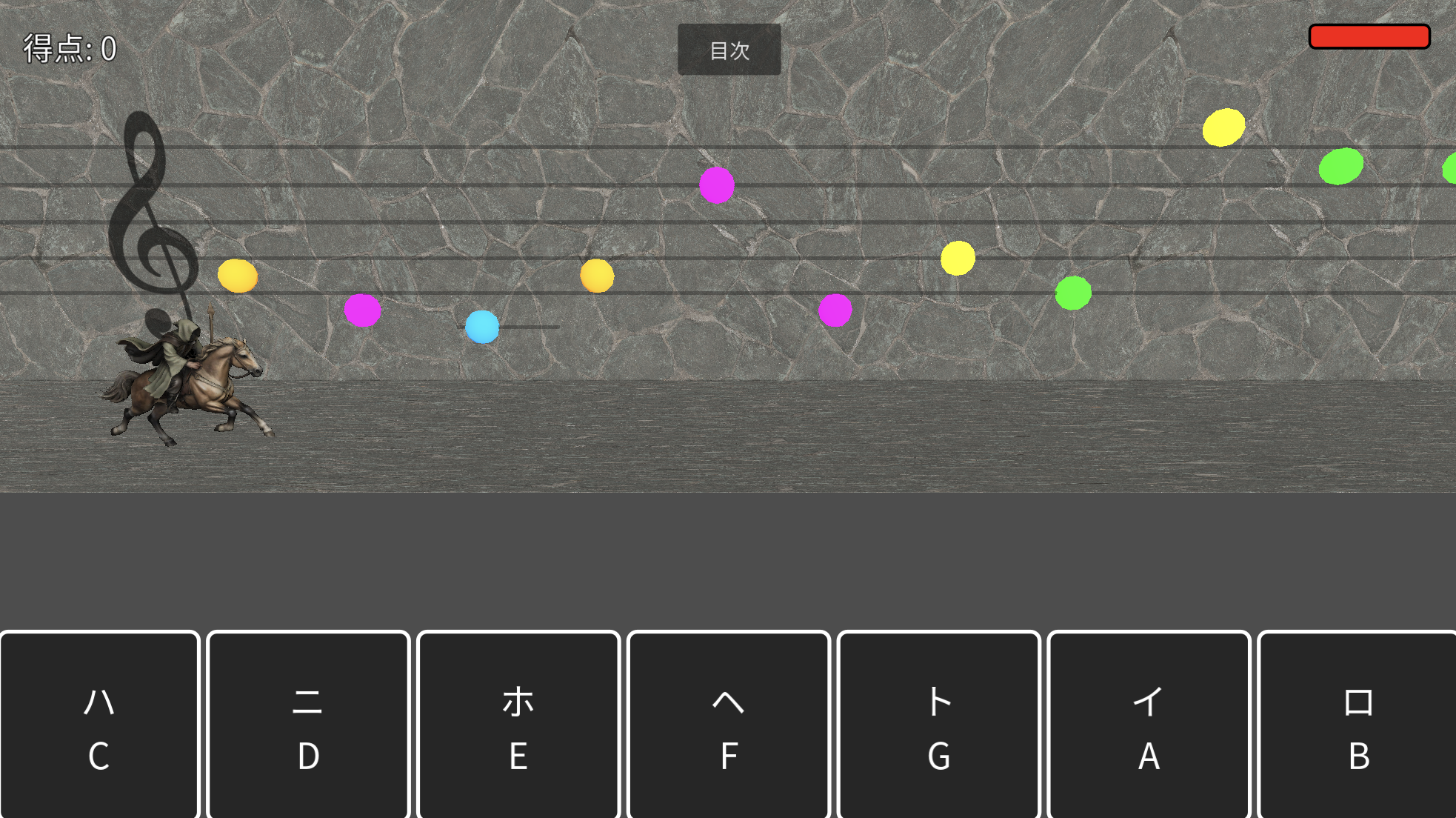
Japanese gameplay
\u8996\u8a8d\u3092\u30d7\u30e9\u30af\u30c6\u30a3\u30b9\u3057\u3066\u9b54\u6cd5\u3092\u4f7f\u3046
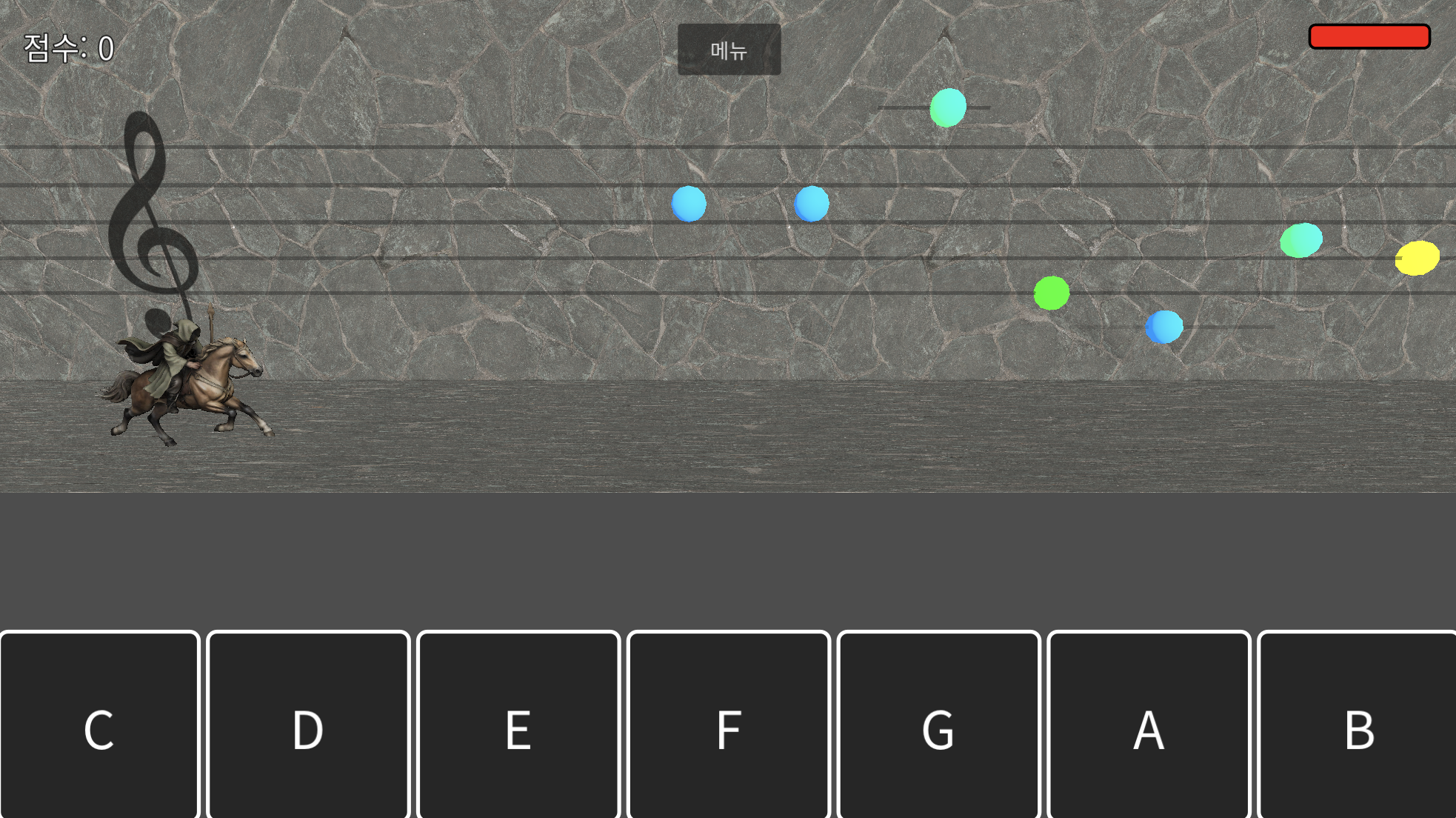
Korean gameplay
\uc2dc\ud504\ud2b8\ub9ac\ub4dc\ub9ac\ub370 \uccb4\ud48d\ud558\uace0 \ub9c8\ubc95\uc744 \uc4f0\ub78c
Chinese gameplay
\u7ec3\u4e60\u89c6\u8c31\u9605\u8bfb\u5e76\u53d1\u5c55\u9b54\u6cd5

Chord Mode

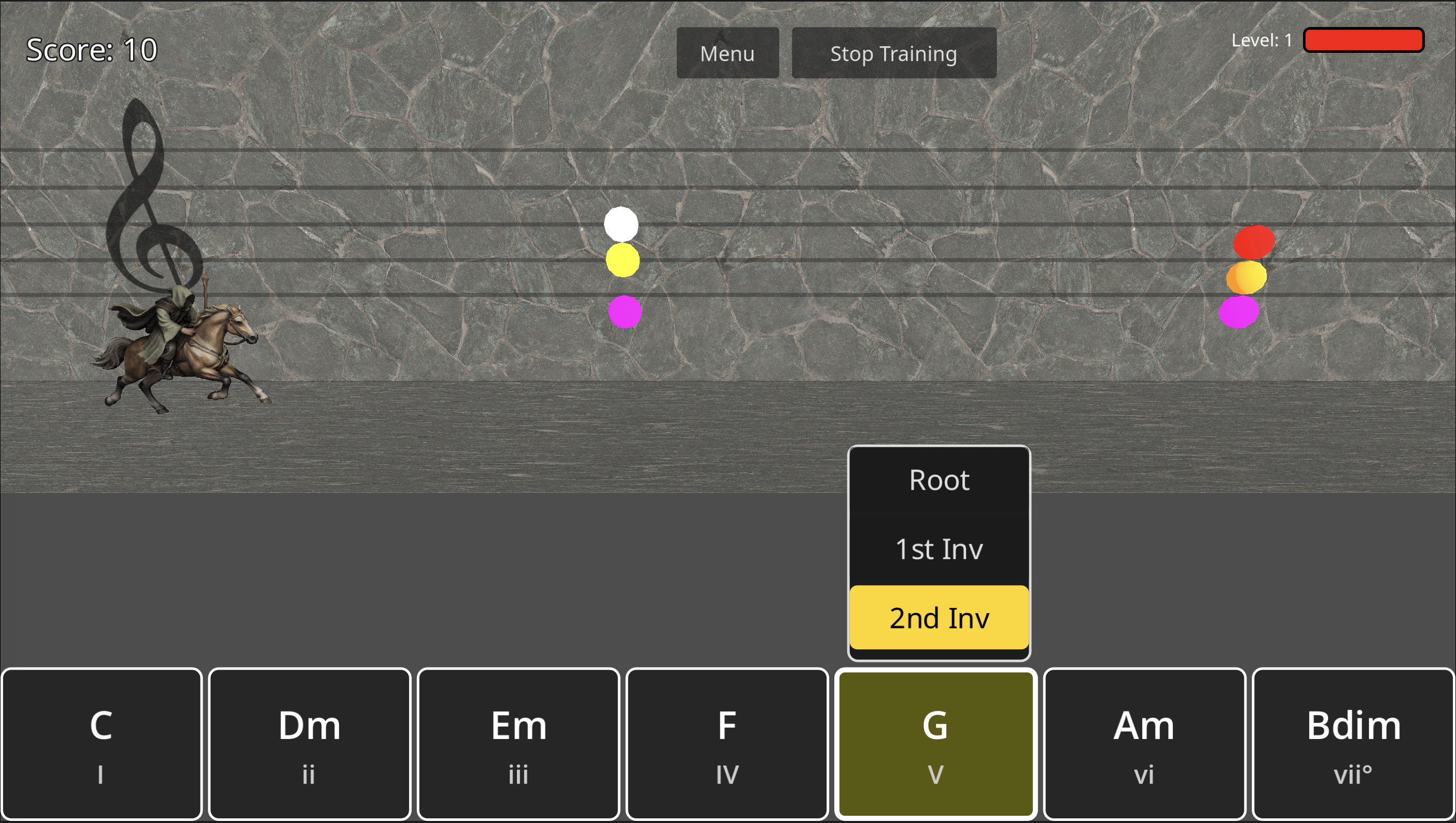
Chord mode with letter buttons
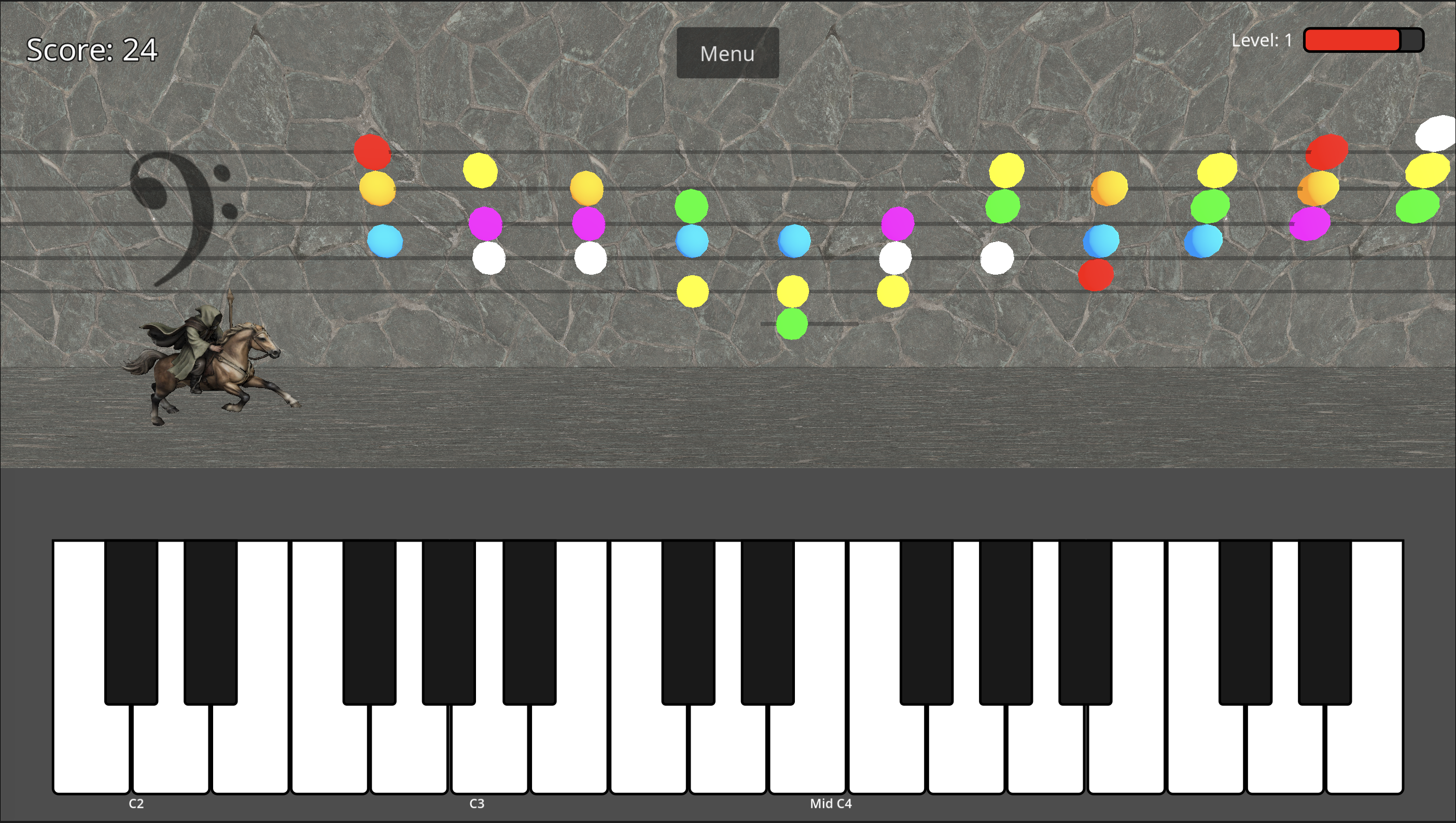
Chord mode with virtual piano keyboard

Features

Multiple Input Modes

  • Virtual Piano Keyboard
  • Letter Buttons (A–G)
  • Physical Keyboard
  • MIDI Controller (Mac and Windows Only)
  • Controller / Gamepad Support

Multiple Clef Modes

  • Treble Clef
  • Bass Clef
  • Full Staff (C1–C8)

Chord Mode

  • Identify chords on the musical staff
  • 7 Roman numeral chord buttons (I–VII)
  • MIDI chord detection
  • Inversion bonus scoring
  • Training mode for step-by-step learning

Progressive Difficulty

  • Training / Easy / Medium / Hard / Insane
  • Black Notes Mode: all-black notes/chords, 2× score multiplier
  • Notes from C1 to C8
  • Enemies speed up as you score

8 Languages

  • English (A–G)
  • German (A–H)
  • Spanish / French / Portuguese (Do–Si)
  • Japanese, Korean, Chinese

Score Tracking

  • High scores per mode & difficulty
  • Username leaderboard

Scoring & Bonuses

  • Difficulty multiplier: Easy ×1 up to Insane ×4
  • Black Notes Mode doubles your score
  • Octave / Inversion Bonus: match the exact octave (Notes Mode) or correct inversion (Chord Mode) for a +1–+4 streak bonus

Free to Start

  • Core game always free
  • No ads in the base game
  • Premium add-ons coming soon

Download Now

Available on iOS, macOS, Windows, and coming soon to Android

Core game is free. Premium add-ons coming soon!

FAQ

Is Ivory Quest free?

The core game is free to download and play with all base features included. Premium add-ons will be available separately in the future.

What age is it for?

Great for anyone learning to read sheet music, typically ages 8 and up.

Do I need to know how to play piano?

No! The game teaches note identification. The on-screen keyboard or letter buttons show you which note to press.

Can I use a real piano or MIDI keyboard?

Yes! Connect any MIDI-compatible keyboard via USB or Bluetooth and play notes directly. MIDI keyboard support is currently available on Mac and Windows only.

Are my high scores saved?

Yes — high scores are saved automatically to your device.

What is the Octave / Inversion Bonus?

In Notes Mode, hitting the exact correct note and octave shown on the staff (using the virtual piano or a MIDI keyboard) awards a streak bonus. In Chord Mode, identifying the correct chord inversion awards the same type of streak bonus. The first correct hit adds +1 to your score (applied before difficulty and Black Notes Mode multipliers). Each consecutive correct hit increases the bonus by +1, up to a maximum of +4. A miss or wrong answer resets the streak.

What devices are supported?

iOS 16.6+, macOS 11+, Windows 10+, and coming soon to Android.